90s Disposable Camera Filter Online
Make a true 90s disposable look: direct flash, friendly warm cast, visible grain, and soft corner falloff for party snapshots and candid portraits.
Failed to load preview
Drop, paste, or click to upload · JPG/PNG/WebP ≤ 15MB
1200px WebP export · small bottom-right watermark · perfect for social posts
Open in Full EditorFine-tune your 90s disposable look (live preview)
Grain
Adds film-like noise that feels authentic on phone screens. Use a light touch for daylight candids; push higher for night parties to blend tones and tame razor-sharp digital edges without smearing facial detail. If skin turns gritty, drop grain and add a little warm cast instead.
Compression Texture
Introduces era-style blockiness and faint mosquito noise—think 1-hour lab scans. Increase until texture is visible in flat areas (bathroom tiles, painted walls) but small text and hair remain legible. Too much compression can halo high-contrast edges; ease off if you see ringing.
Warm Cast
Shifts colors toward indoor tungsten/flash warmth for skin-friendly tones. Great for kitchen, hallway, or diner scenes. Keep it mild for daylight; go warmer for direct-flash portraits at night. Pair with low grain for creamy skin while keeping flash speculars lively.
Vignette
Simulates corner falloff from simple optics. Subtle amounts guide attention; stronger settings carve subjects out of cluttered rooms without creating obvious spotlight halos. For mirror selfies, a touch of vignette also hides edge distractions.
90s Disposable Camera Examples
Polaroids & Instant Memories
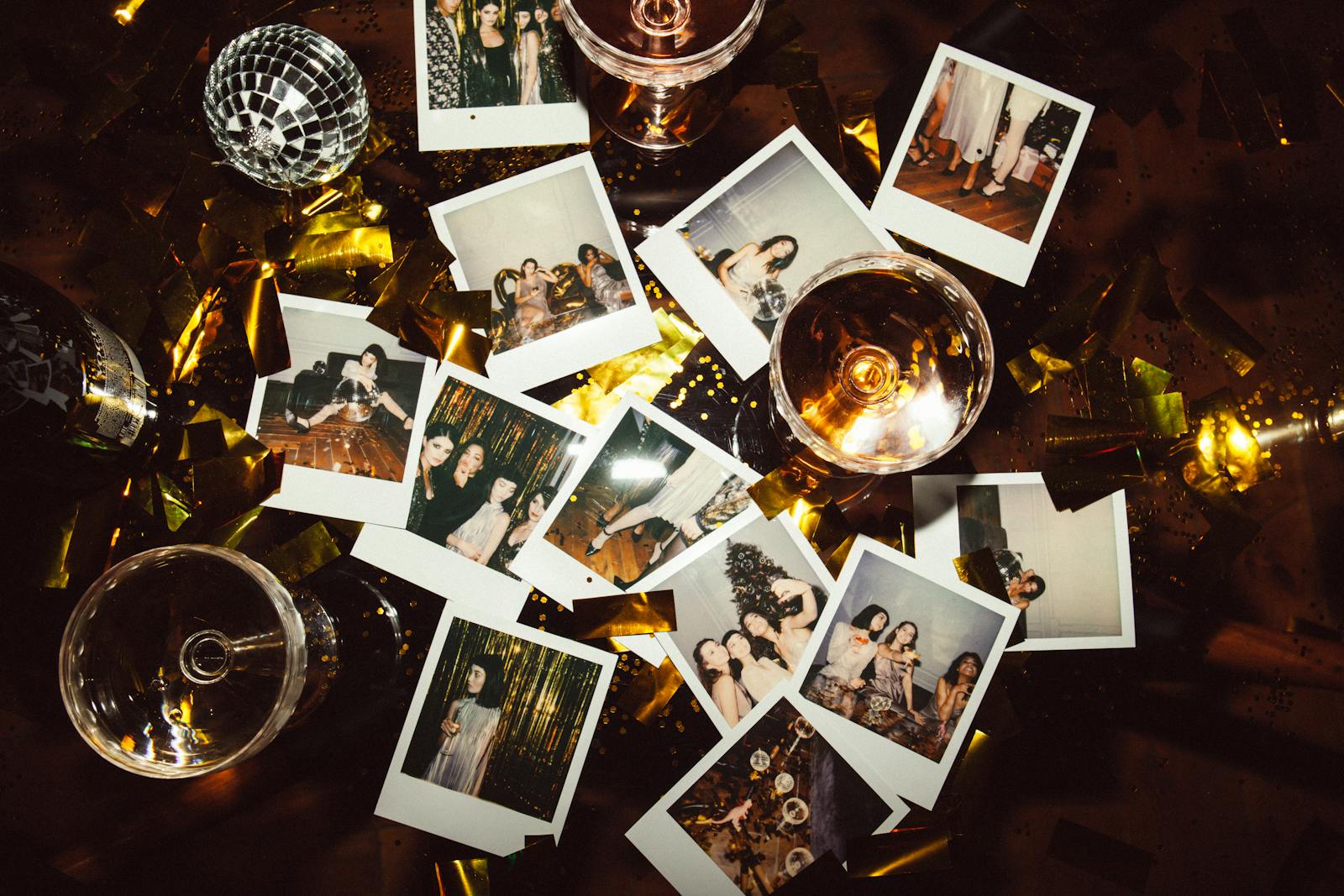
Tabletop instant prints set the mood for 90s snapshots. Add modest compression to echo lab scans, plus a warm cast so skin tones on the prints feel cozy and familiar. Keep grain light so handwriting and borders stay clean.
Bathroom-Mirror Flash Selfie
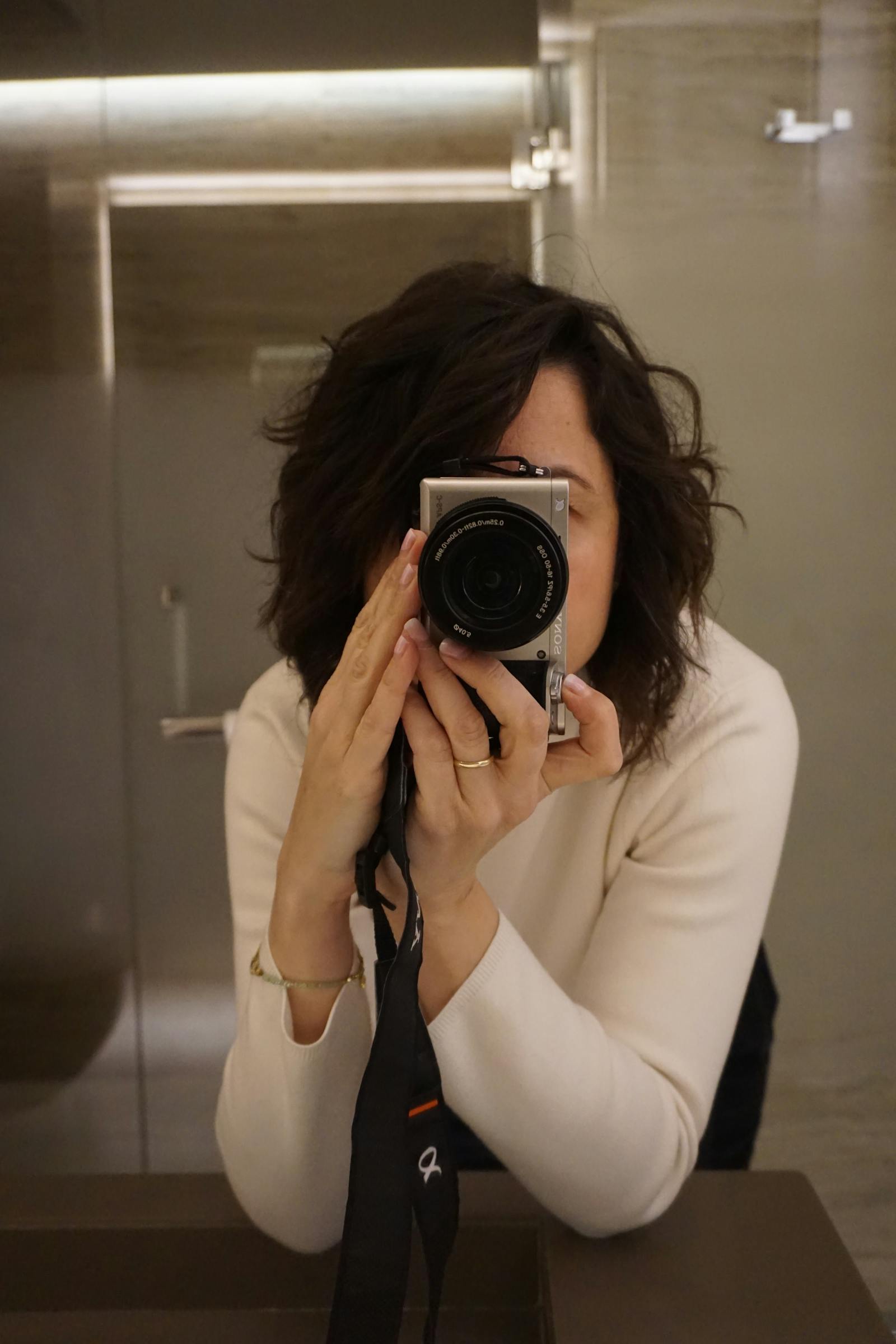
A classic disposable moment: direct flash in a tight, reflective space. Use medium grain and a warm cast to flatter skin while preserving mirror highlights; finish with a light vignette to reduce edge clutter and emphasize the subject.
Neon Diner Detail
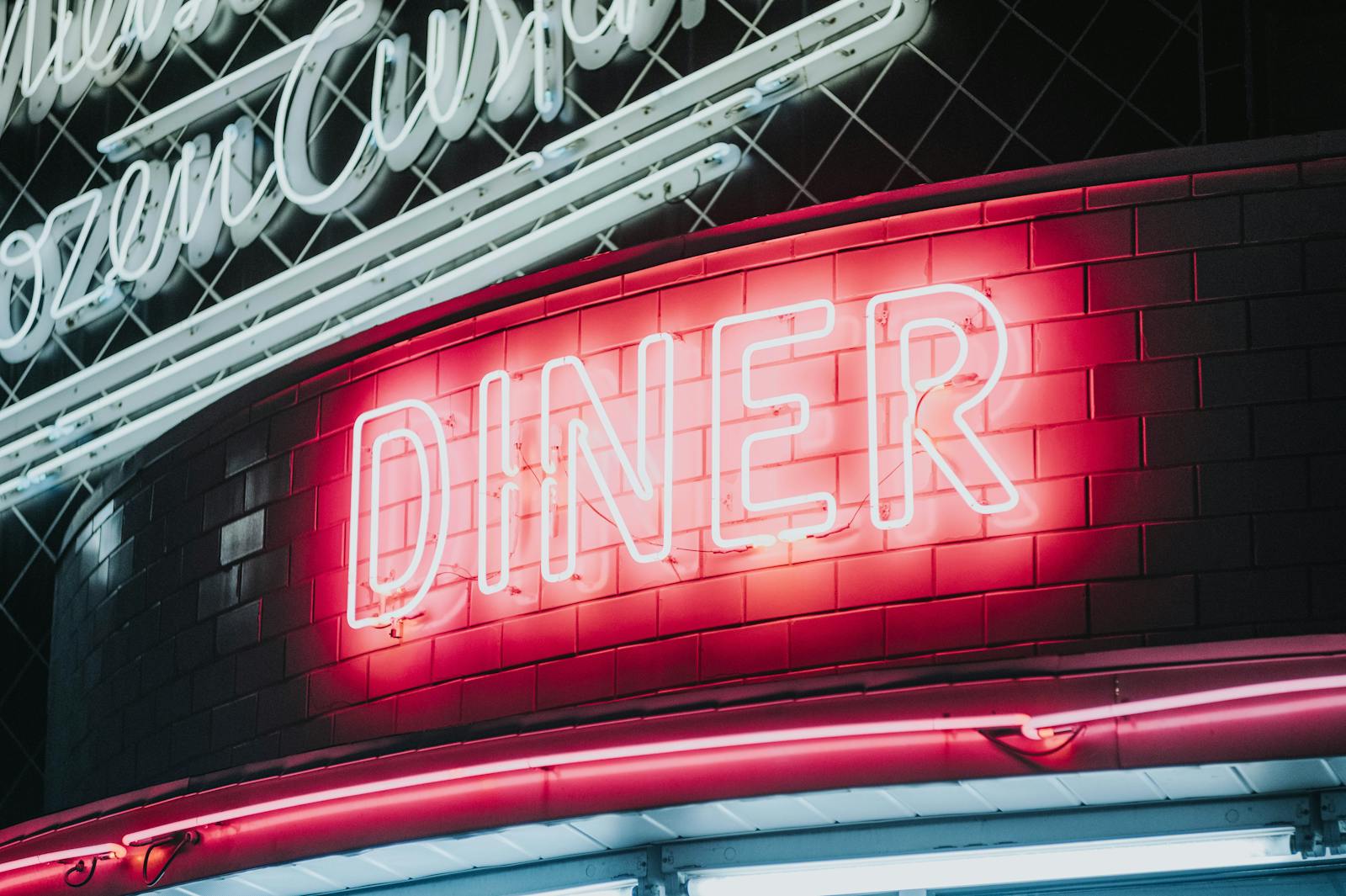
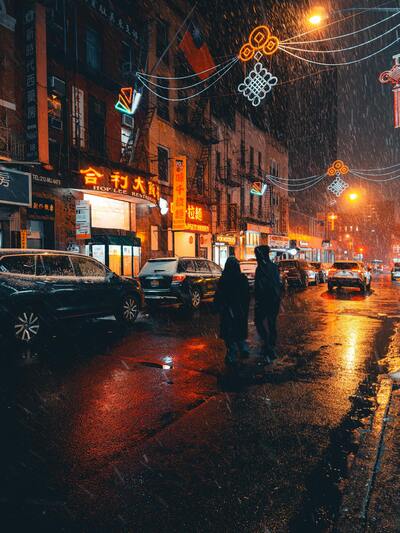
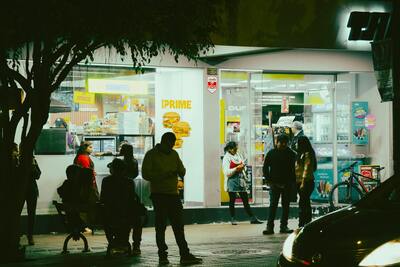
Late-night signage suggests the 90s hangout vibe. Keep compression visible but tasteful so letterforms remain crisp; add a warm cast to blend neon with indoor flash portraits from the same set.
Film-Camera Mirror Portrait
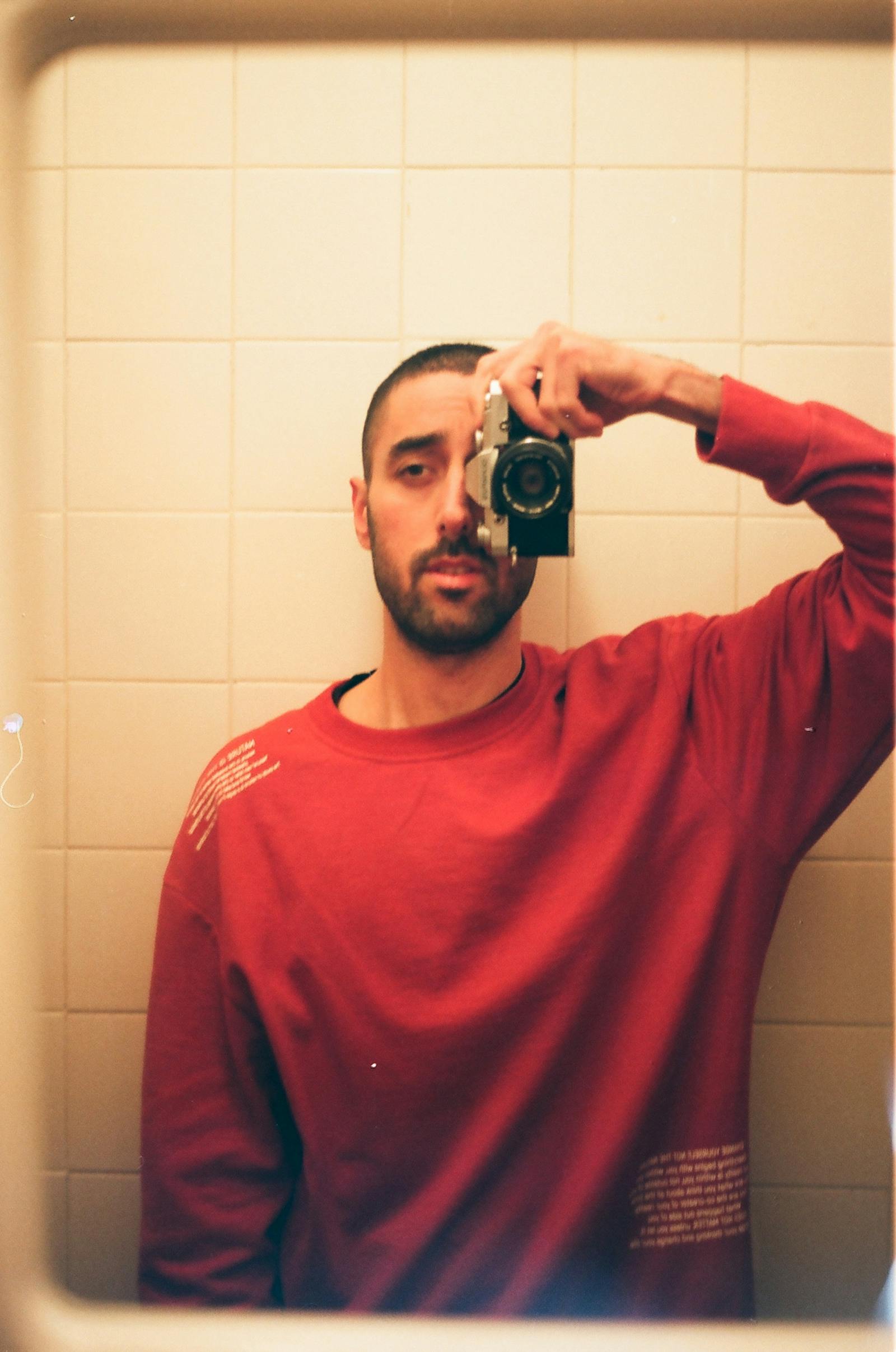
Dim mirror portrait with on-camera flash—perfect for a disposable look. A gentle vignette centers attention, while restrained grain keeps hairlines and jacket texture intact. If highlights clip, back off compression to avoid halos.
How to Create a 90s Disposable Look
Step 1
Upload a JPG/PNG/WebP. Bathroom mirrors, kitchen hangouts, hallway candids, diner booths, and rooftop nights all suit a 90s disposable look driven by direct flash and warm skin tones.
Step 2
Start with Grain (low-to-medium), add Compression Texture until midtones show character, nudge Warm Cast for skin, then add a subtle Vignette to focus attention. Preview at phone size to confirm faces and text read clearly.
Step 3
Export instantly. Processing runs locally for speed and privacy—no account, no uploads. If the look feels heavy, reduce grain first, then trim compression.
Related styles
Frequently Asked Questions
Yes. It runs entirely in your browser with live preview. We do not upload images, and no account is required. Your edits remain on device.
Indoor flash portraits, mirror selfies, kitchens, hallways, diners, convenience stores, and night street scenes. Use well-exposed sources for the most convincing disposable feel.
Keep grain and compression visible but controlled. Zoom to phone scale; if faces, text, and hairlines remain clear, the balance is right. Reduce grain before reducing warm cast.
Yes on modern mobile browsers. For very large images, desktop performs better; consider reducing image size if controls feel sluggish.
Ready to make a 90s disposable-style photo?
Open the free filter, tweak four sliders, and export in seconds—no signup, no uploads.